Email Marketing Best Practices: Tips, Tricks, and Tools To Try
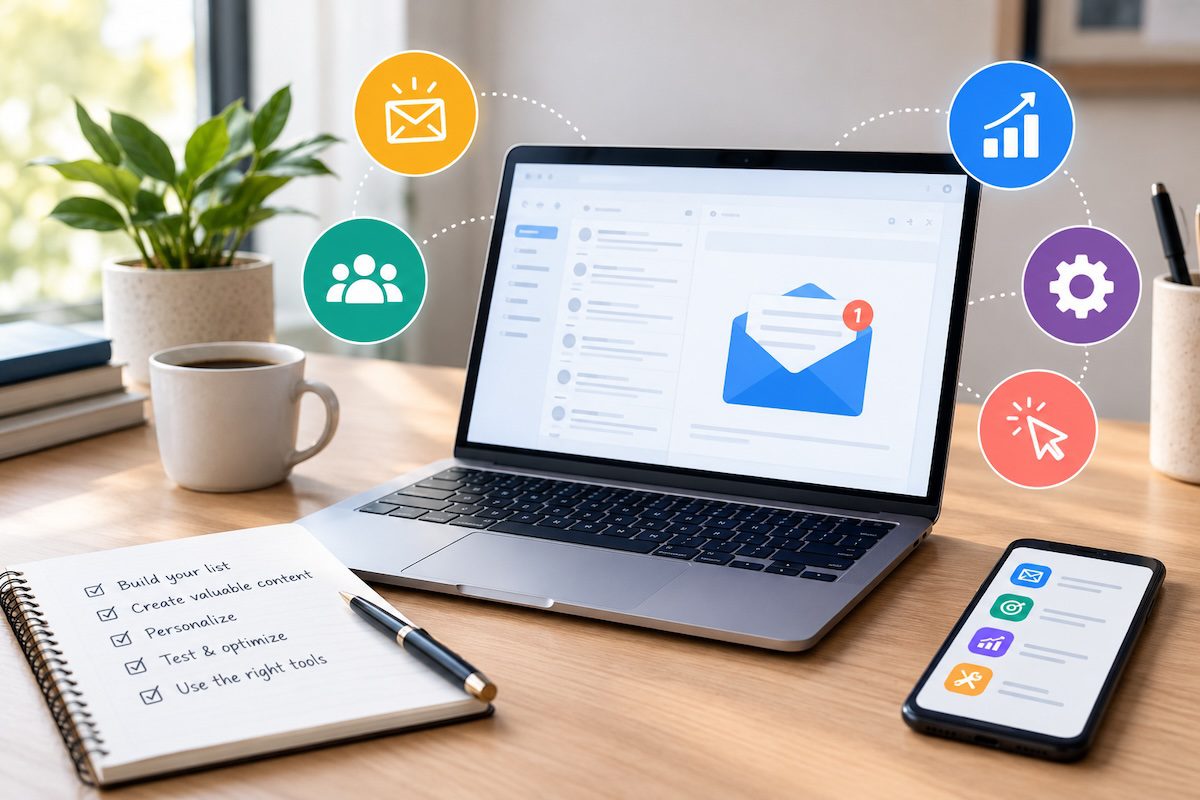
Quick answer: Email marketing is the practice of sending planned, permission-based emails to subscribers to build relationships, share content, and drive sales.
The most important best practices today are to email only people who opted in, authenticate your sending domain with SPF, DKIM, and DMARC, make unsubscribing one click, segment your list, give every email one clear goal, design for mobile, and judge results by clicks and conversions rather than opens.
Email is one of the few marketing channels you own outright. No algorithm decides whether your subscribers see your message, and no platform can take your audience away. According to Adobe for Business, it is also one of the most cost-effective channels available, reaching customers for a fraction of what many paid channels cost.
The rules have changed, though. Gmail, Yahoo, and Outlook now require high-volume senders to authenticate their email and make unsubscribing easy, and privacy features have made open rates unreliable.
This guide covers the best practices that matter now, the laws you need to follow, free tools worth trying, and how to write emails and newsletters people actually read.
Rules and free-plan details checked October 2026.
Key Takeaways
- Only email people who have given you permission. In Canada, CASL requires consent before you send.
- Authenticate your domain with SPF, DKIM, and DMARC. Major inbox providers now require it from high-volume senders.
- Offer one-click unsubscribe and honor requests quickly.
- Segment your list and personalize beyond the first name.
- Measure clicks, conversions, and spam complaints. Open rates are inflated by privacy features.
What Is Email Marketing?
The American Marketing Association describes email marketing as a way to acquire and keep customers through email. It is one of the oldest digital channels and still one of the largest.
Good email marketing starts with a permission-based list, then sends content that subscribers find useful enough to keep opening. It usually serves two purposes, promotion and education, and the most common types of marketing emails are:
- Welcome emails that introduce new subscribers to your brand
- Promotional emails that announce offers, launches, and events
- Newsletters that share regular news, tips, and content
- Abandoned cart reminders that bring shoppers back to finish a purchase
Why Email Marketing Still Works
- Direct access to your audience. Your message lands in the inbox instead of competing in a social feed.
- Greater control. You own your list, and changes to social media algorithms cannot cut off your reach.
- Personalization. You can tailor content to each subscriber’s interests, purchase history, and behavior.
- Measurable results. Every send produces data on clicks, conversions, and revenue.
- Cost-effectiveness. Once your list is built, each additional email costs very little to send.
10 Email Marketing Best Practices
1. Build a permission-based list
Only email people who asked to hear from you. Use clear sign-up forms, say what subscribers will receive and how often, and never buy or rent lists. Purchased lists damage your sender reputation and, in Canada, are likely to break the law.
2. Authenticate your sending domain
Set up SPF, DKIM, and DMARC records for the domain you send from. Gmail requires all senders to use SPF or DKIM, and anyone sending more than 5,000 messages a day to Gmail addresses needs all three.
Microsoft applies a similar rule to high-volume senders reaching Outlook.com, Hotmail, and Live.com addresses. Unauthenticated email is far more likely to land in spam or be rejected outright.
3. Make unsubscribing easy
Include a visible unsubscribe link in every marketing email, and support one-click unsubscribe, which Gmail and Yahoo now require from bulk senders.
Google asks senders to process unsubscribe requests within two days. Someone who cannot leave your list will often mark you as spam instead, which hurts every future send.
4. Segment and personalize
Group subscribers by interests, behavior, purchase history, or stage in the customer journey, then send each group content that fits.
Personalization goes beyond adding a first name. Recommending products based on past purchases, or sending different content to new and long-time customers, makes emails feel relevant instead of generic.
5. Write clear, honest subject lines
Your subject line decides whether an email gets opened. Keep it concise, specific, and accurate, and use the preview text to add context. Avoid clickbait and misleading claims, which frustrate readers and can breach anti-spam laws.
6. Give every email one goal
Decide what you want the reader to do before you write. Build the email around a single call to action, place it where readers will see it, and link directly to the page that completes the action.
7. Design for mobile and accessibility
Most people read at least some email on their phones. Use a responsive template, a single-column layout, readable font sizes, and buttons large enough to tap. Add alt text to images and check how your email looks in dark mode.
8. Keep your list clean
Remove addresses that bounce, and run a re-engagement campaign for subscribers who have not clicked in months. Remove anyone who still does not respond. A smaller, engaged list delivers better than a large list full of inactive addresses.
9. Send consistently and keep testing
Pick a sending schedule your audience can expect and that you can maintain. Use A/B tests to compare subject lines, content, layouts, and send times, changing one element at a time so you know what made the difference.
10. Measure what actually matters
Apple’s Mail Privacy Protection preloads emails, which makes many messages register as opened whether or not anyone read them. Treat open rates as a rough signal and judge campaigns by click-through rate, conversions, revenue, and unsubscribes. Watch your spam complaint rate closely. Gmail asks senders to keep it below 0.3%, and well-run programs aim for under 0.1%.
Email Marketing Laws You Need To Follow
Anti-spam laws apply to every business that sends commercial email. The two that matter most for North American senders are Canada’s Anti-Spam Legislation (CASL) and the US CAN-SPAM Act.
| Requirement | CASL (Canada) | CAN-SPAM (United States) |
|---|---|---|
| Consent | Required before sending, either express or implied | Not required before sending, but recipients must be able to opt out |
| Sender identification | Name and contact information required | Accurate “From” details and a valid physical postal address required |
| Unsubscribe | Required in every message, honored within 10 business days | Required in every message, honored within 10 business days |
| Subject lines | Must not be misleading | Must not be deceptive |
CASL is the stricter of the two, so a program built to meet CASL will usually satisfy CAN-SPAM as well. The FTC’s CAN-SPAM Act compliance guide covers the US rules in detail. This section is general information, not legal advice.
Email Marketing Tools
The right email software makes most of these best practices easier. It handles sign-up forms, segmentation, authentication, unsubscribes, and reporting, so you can focus on content. All eight tools below appear on Zapier’s list of the best free email marketing software, and each has a free plan.
<!– Image: email-marketing-tools-scaled.jpg | alt: Dashboard of an email marketing tool (fix: the live markup renders this as a link instead of an image) –>
- Brevo (formerly Sendinblue). An all-in-one platform with email, SMS, and transactional messaging, suited to businesses that market across several channels.
- MailerLite. Beginner-friendly, with a drag-and-drop editor, automation, and landing pages.
- Sender. A generous free plan with automation, popular with e-commerce brands for newsletters and promotions.
- Loops. Built around automation, and aimed at software startups.
- EmailOctopus. Affordable and scalable, with low-cost upgrades for growing businesses.
- Kit (formerly ConvertKit). Designed for creators and bloggers, with strong automation and segmentation.
- Omnisend. Built for e-commerce, combining email, SMS, and push notifications.
- Audienceful. A newer, simple tool focused on speed for startups and small teams.
| Tool | Free plan limit, per Zapier (January 2026) |
|---|---|
| Brevo | 100,000 contacts, 300 emails per day |
| MailerLite | 500 subscribers, 12,000 emails per month |
| Sender | 2,500 subscribers, 15,000 emails per month |
| Loops | 1,000 contacts, 4,000 emails per month |
| EmailOctopus | 2,500 subscribers, 10,000 emails per month |
| Kit | 10,000 subscribers, unlimited emails |
| Omnisend | 250 subscribers, 500 emails per month |
| Audienceful | 1,000 contacts |
Free plans change often, so confirm the current limits on each provider’s pricing page before you sign up.
How To Write A Marketing Email
<!– Image: [no src in live markup, replace or remove] | alt: Email notification on a phone screen –>
- Be clear about your intent. Know whether the email promotes an offer, shares new content, or makes an announcement, and tell readers what to do next.
- Write a concise, accurate subject line. Promise only what the email delivers.
- Tailor the content. Use what you know about each subscriber, such as past purchases and interactions, not just their name.
- Keep it focused. Use short paragraphs, a logical structure, and a friendly, on-brand voice. The same persuasive writing techniques that work in other marketing copy work here.
- Use a strong call to action. Make it specific, easy to find, and linked directly to the next step.
- Optimize for every device. Preview the email on desktop and mobile before you send.
- Keep testing. A/B test subject lines, content, and layouts, and use click-through and conversion data to decide what to keep.
If you send similar messages often, a library of tested email templates saves time and keeps your voice consistent. For campaigns where every word counts, professional copywriting services can help.
<!– Image: gmail-computer-scaled.jpg | alt: Gmail inbox open on a laptop –>
How To Create An Email Newsletter
Mailchimp recommends five steps for starting a newsletter that subscribers look forward to.
- Set a clear strategy. Decide what the newsletter is for, such as driving website traffic, promoting your services, or sharing expertise.
- Build and segment your audience. Grow your list with permission, then group subscribers by demographics and behavior.
- Create a cohesive design. Use a consistent template that reflects your brand, so every issue is recognizable at a glance.
- Deliver valuable content. Share insights, tips, and news readers cannot easily find elsewhere.
- Optimize deliverability and engagement. Authenticate your domain, test send times for each segment, and use past results to refine every issue.
If you would rather hand the writing to a specialist, our newsletter writing services produce on-brand issues on your schedule.
The Write Direction’s Email Marketing Services
Inboxes are crowded, and standing out takes more than a good template. It takes a clear story, a consistent voice, and content planned around what your audience wants to read. Our Marketing and Content Strategy Subscription Service gives you a dedicated team to plan and produce that content month after month.
<!– Image: [no src in live markup, replace or remove] | alt: Marketer reviewing email campaign metrics –>
What To Expect From The Write Direction’s Marketing and Content Strategy Subscription
We act as an extension of your marketing team, producing website copy, blog posts, social media content, and email campaigns that work together.
- Strategic content planning. We decide what to publish, where, and when, so your email, blog, and social content support each other.
- Brand voice development. We define how your brand sounds and apply it consistently across every channel.
- SEO optimization. We apply SEO optimization best practices so the content your emails link to can rank and attract new subscribers.
Frequently Asked Questions
What is email marketing?
Email marketing is sending planned, permission-based emails to a list of subscribers to build relationships, share content, and drive sales. Common examples include welcome emails, newsletters, promotional offers, and abandoned cart reminders.
Is email marketing still effective?
Yes. Email reaches people directly in their inbox, is not controlled by social media algorithms, and costs little to send once your list is built. It remains one of the most reliable channels for nurturing leads and keeping existing customers engaged.
What are the most important email marketing best practices?
Email only people who opted in, authenticate your domain with SPF, DKIM, and DMARC, offer one-click unsubscribe, segment your list, give each email one clear goal, design for mobile, and measure clicks and conversions rather than opens.
How often should I send marketing emails?
There is no single right frequency. Many businesses send a newsletter weekly or monthly and add campaign emails around launches and offers.
Choose a schedule you can sustain, tell subscribers what to expect when they sign up, and watch unsubscribe and spam complaint rates for signs you are sending too often.
Do I need permission to send marketing emails?
In Canada, yes. CASL requires express or implied consent before you send a commercial email. In the United States, CAN-SPAM does not require prior consent, but you must include a working unsubscribe option and honor opt-outs within 10 business days. Building a permission-based list is the safest approach everywhere.
What is DMARC, and do I need it?
DMARC is an email authentication standard that tells inbox providers how to handle messages that fail SPF or DKIM checks, protecting your domain from spoofing. If you send more than 5,000 emails a day to Gmail or Outlook.com addresses, you need it. Smaller senders should set it up too, because it improves deliverability.
How do I keep my emails out of the spam folder?
Authenticate your domain, email only people who opted in, make unsubscribing easy, remove bounced and inactive addresses, avoid misleading subject lines, and keep your spam complaint rate below 0.3%.
What is the best free email marketing tool?
It depends on your needs. Kit’s free plan allows up to 10,000 subscribers, Brevo suits businesses that also need SMS, MailerLite is beginner-friendly, and Omnisend is built for online stores. Compare the free plan limits above against the size of your list and the features you need.
Get Help With Your Email Marketing
Email works best when strategy, writing, and design pull in the same direction. If you want emails and newsletters your subscribers look forward to, book a free discovery call with The Write Direction, or email us at [email protected].


Related posts

Recent Posts